 PolicyReadiness
One workflow.
Prove each control.
PolicyReadiness does one job. It takes the questions on a cyber insurance application and puts reviewed evidence behind each answer. The screenshots are real screens of the live demo.
Step 1: See where you stand
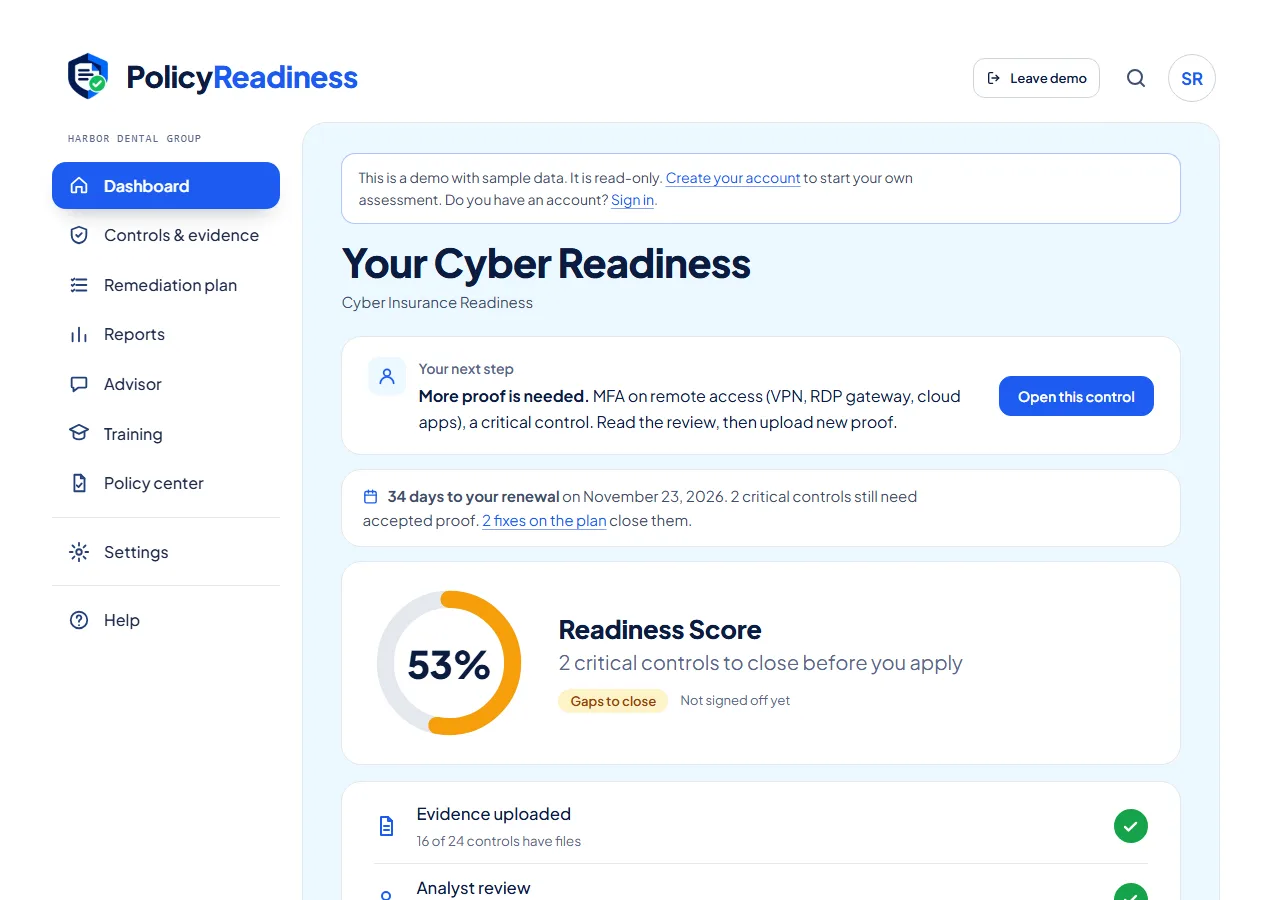
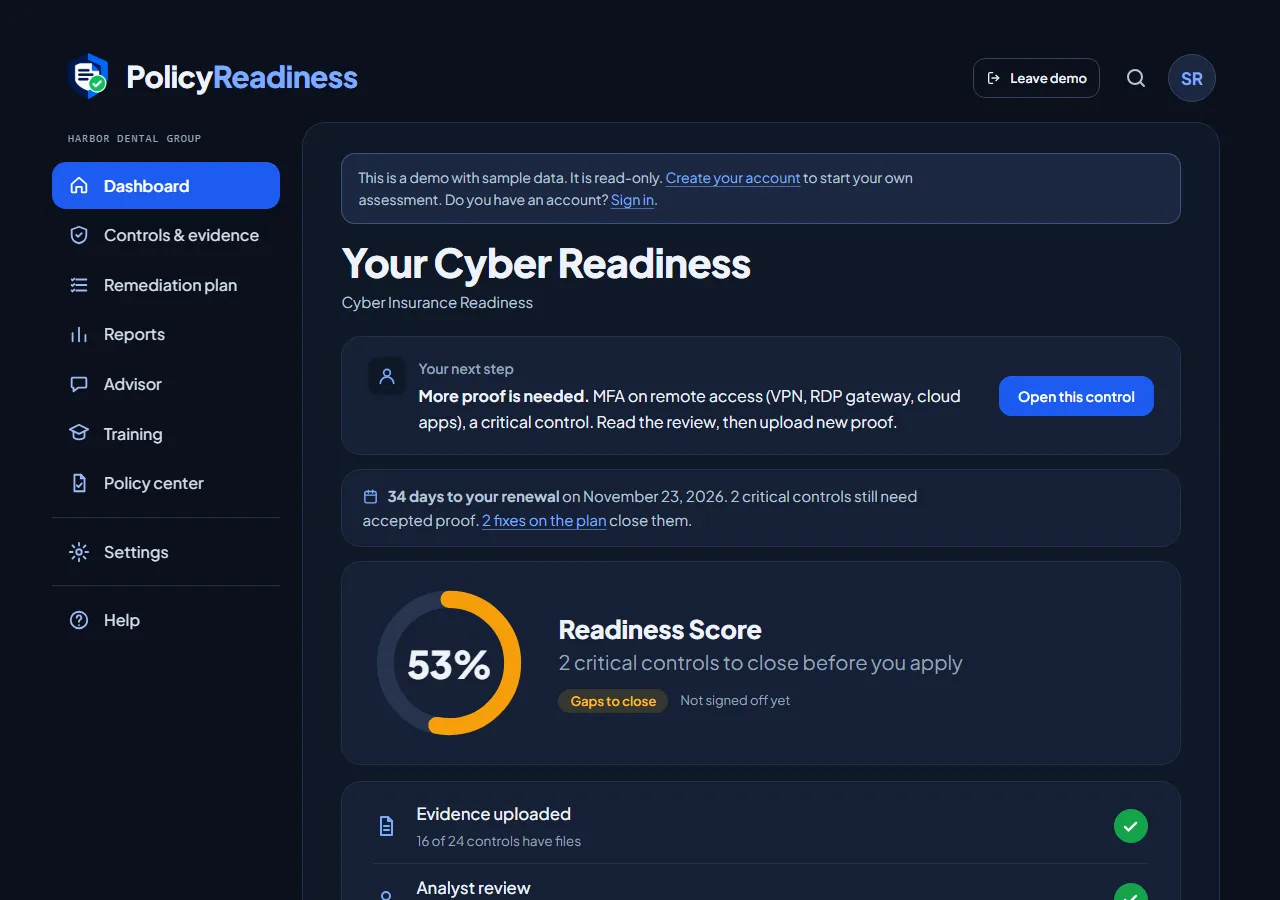
The dashboard turns 24 underwriter controls into one score. It shows the critical controls first, because one open critical control can end a quote.
- A score that uses the weights underwriters care about: critical 3, important 2, supporting 1.
- Your next step and the critical fixes first, with the days left to your renewal.
- Progress for each of the six areas, in the report.
- 22 of the 24 controls are mapped to CIS Controls v8.1 safeguards, so your IT provider reads the same list in the terms they already use.
Step 2: Prove one control at a time
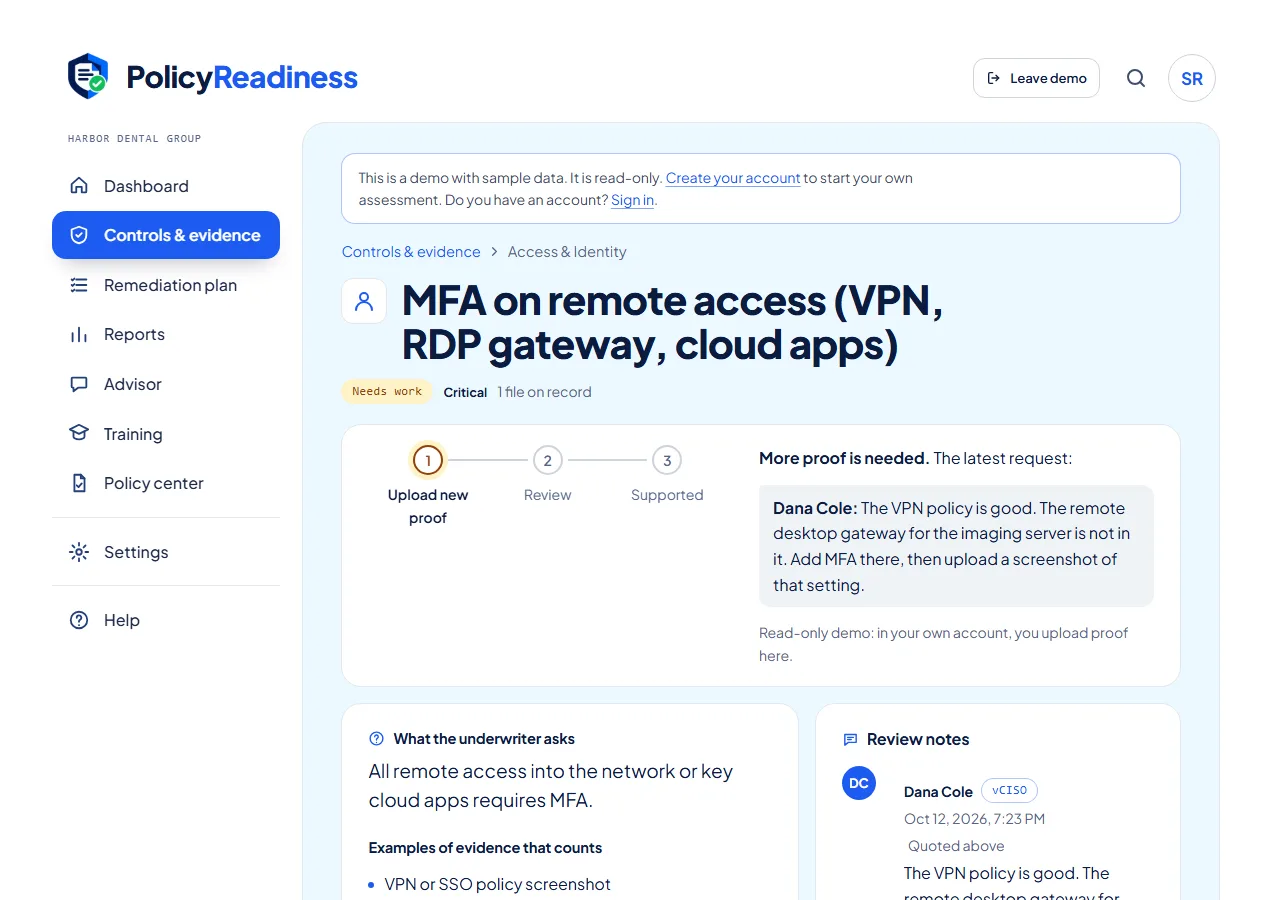
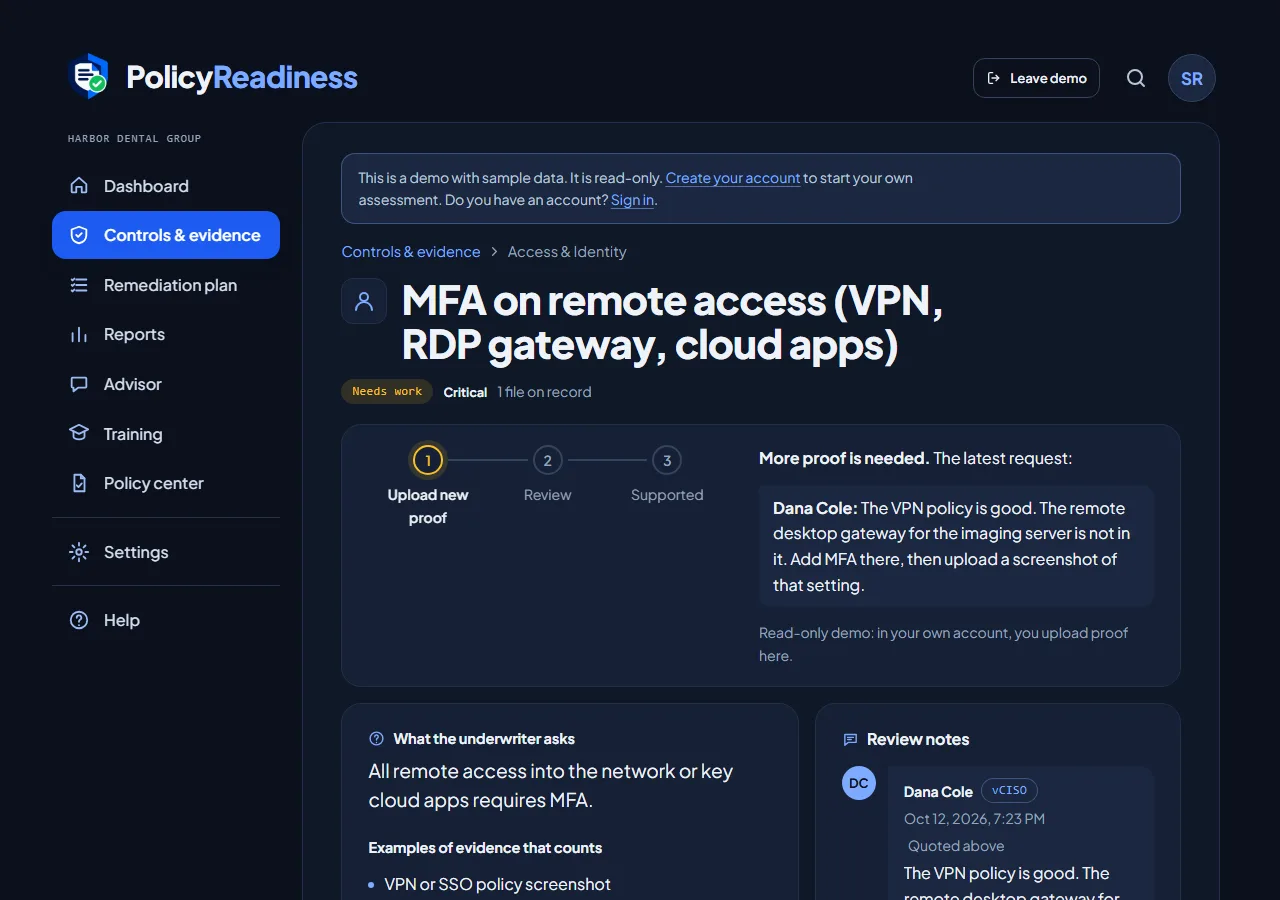
Each control says what the underwriter asks and which evidence counts. You upload the proof. An automatic review does the first check, then an analyst reads it and marks the control Supported or Needs work, with a plain note on what is missing. This is the same on every plan.
- Every file is inspected and scanned for malware before anyone can open it.
- Every file gets a time stamp and a SHA-256 fingerprint.
- You and your analyst talk on the control itself, so the answer stays with the evidence.
Less to upload: connect Microsoft 365 or Google Workspace
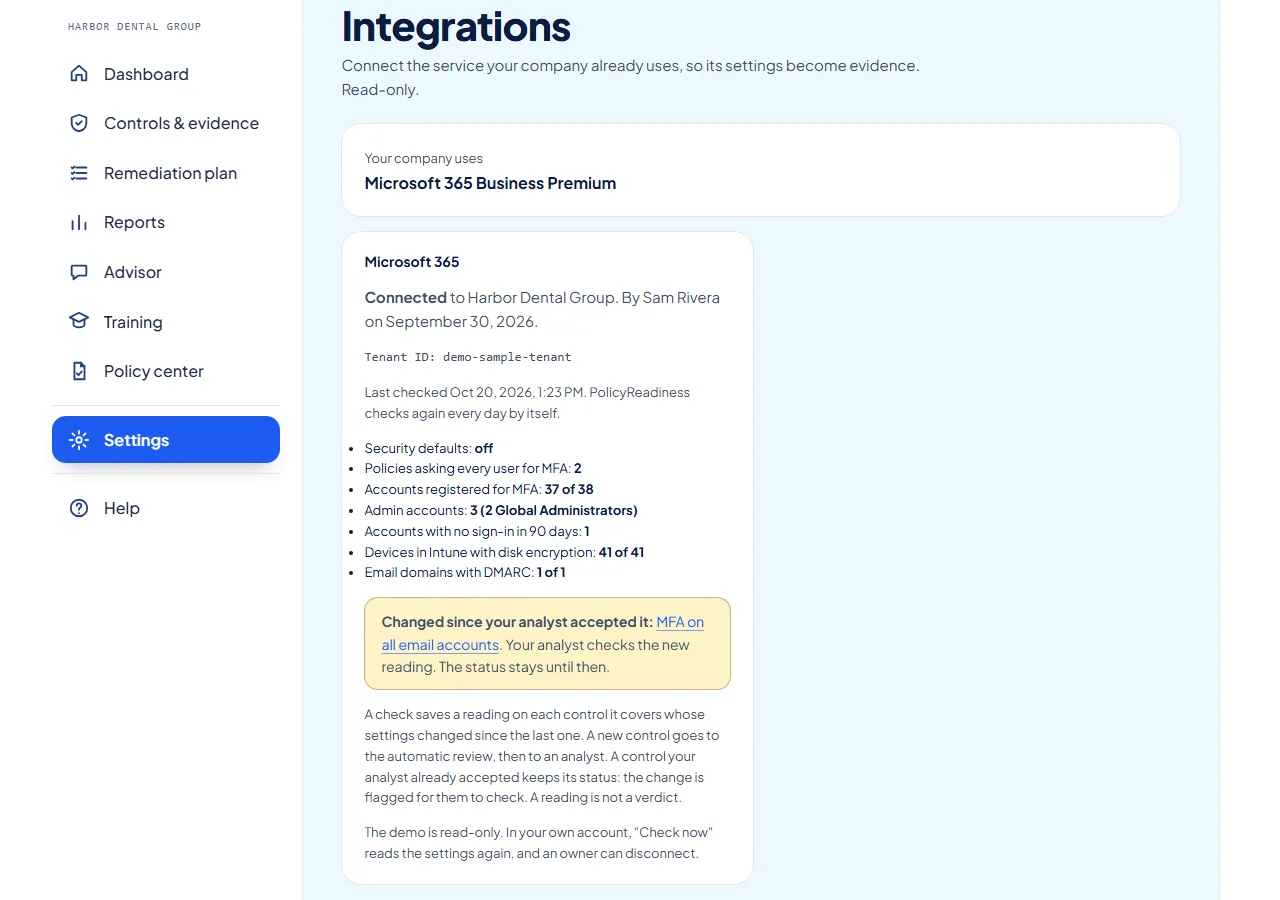
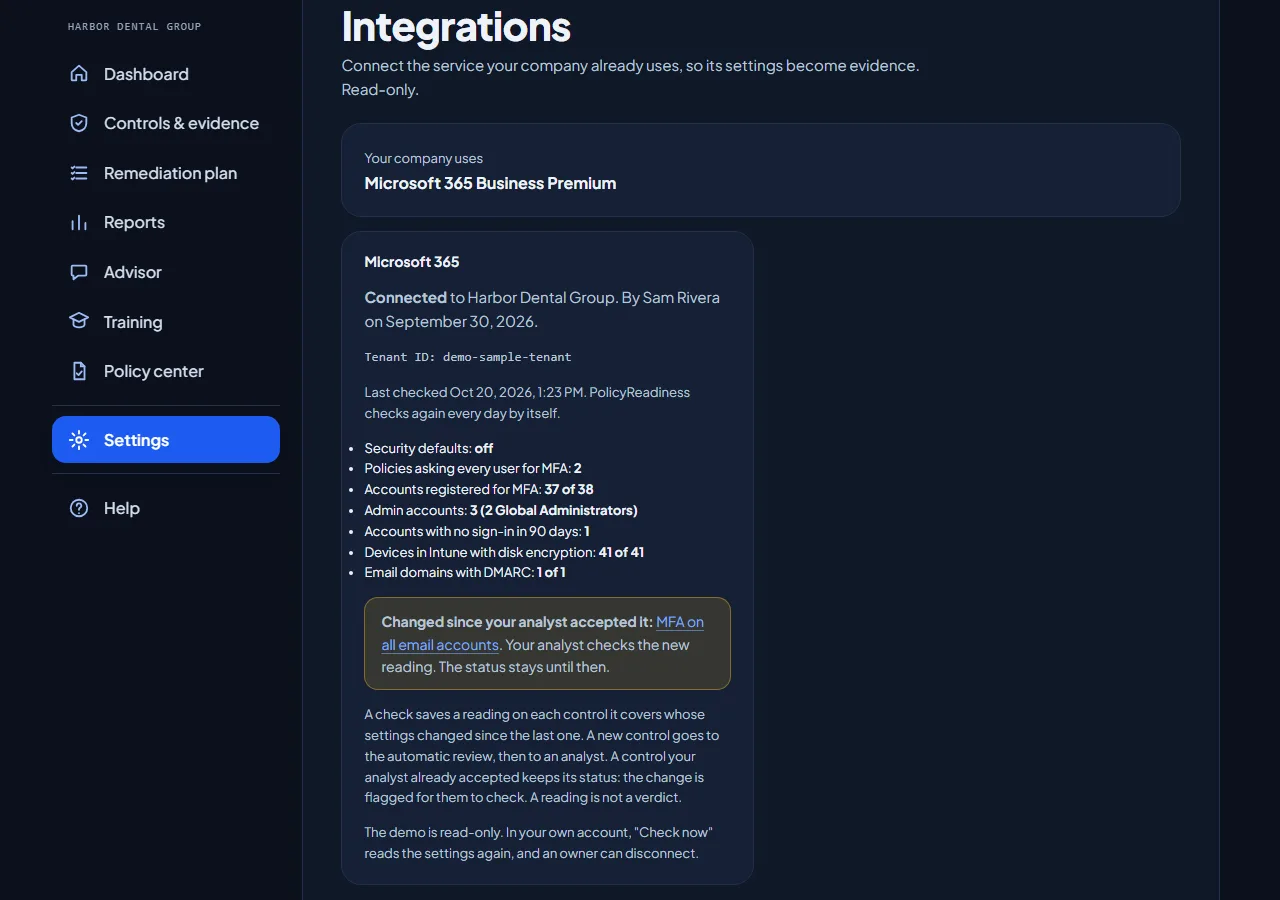
If your company runs on Microsoft 365 Business Premium or Google Workspace, an owner connects it once. PolicyReadiness then reads the security settings for you and saves each reading as evidence on its control, so you need fewer screenshots.
- Read-only. It can read the settings and cannot change anything.
- It reads MFA, admin accounts, old accounts, disk encryption on devices, and email authentication (SPF, DKIM, and DMARC).
- A reading states facts, not a verdict. The automatic review and your analyst decide, as with any upload.
- It checks again every day. If a setting changes after your analyst accepted a control, the control keeps its status and your analyst is asked to check the new reading.
No document yet? Fill in the online template
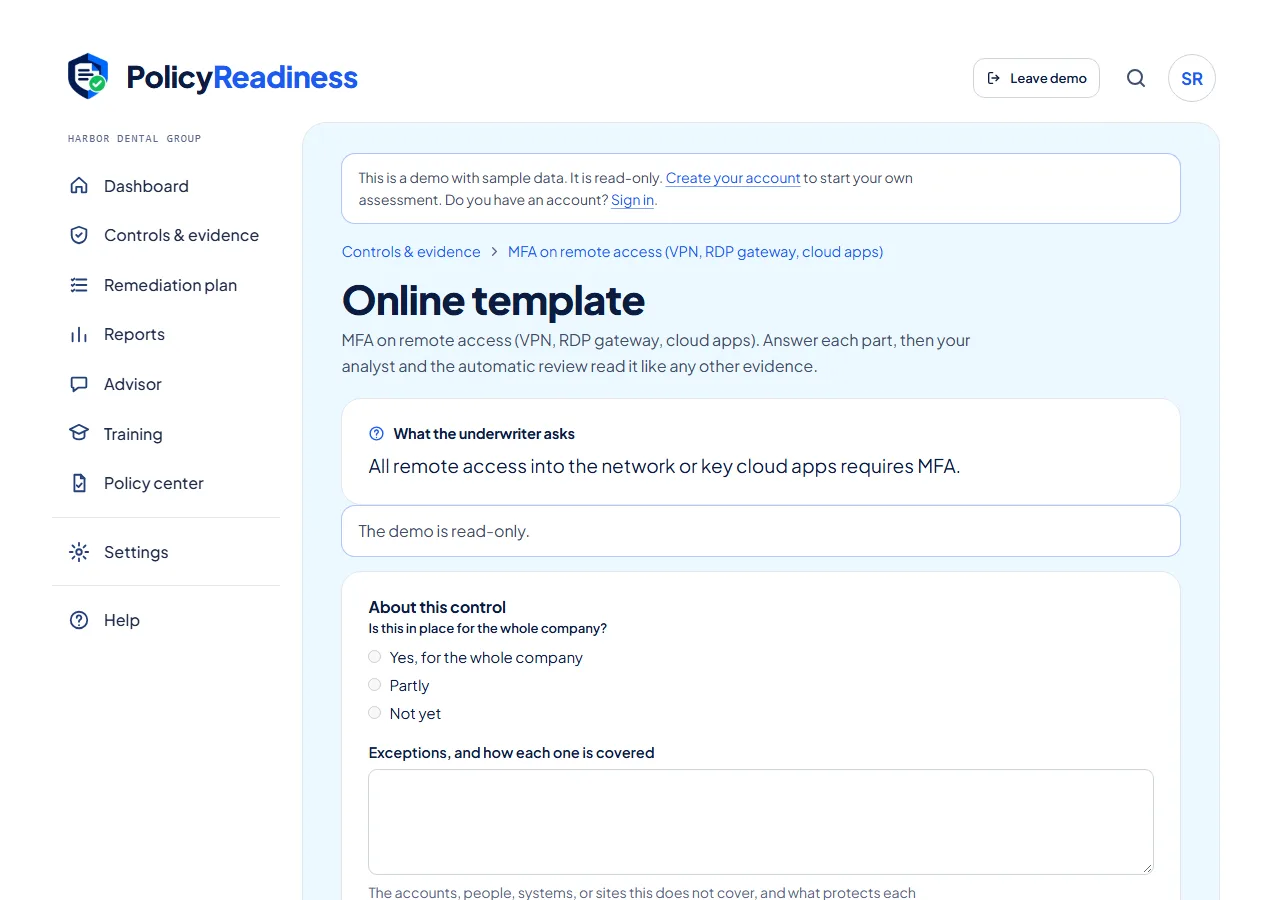
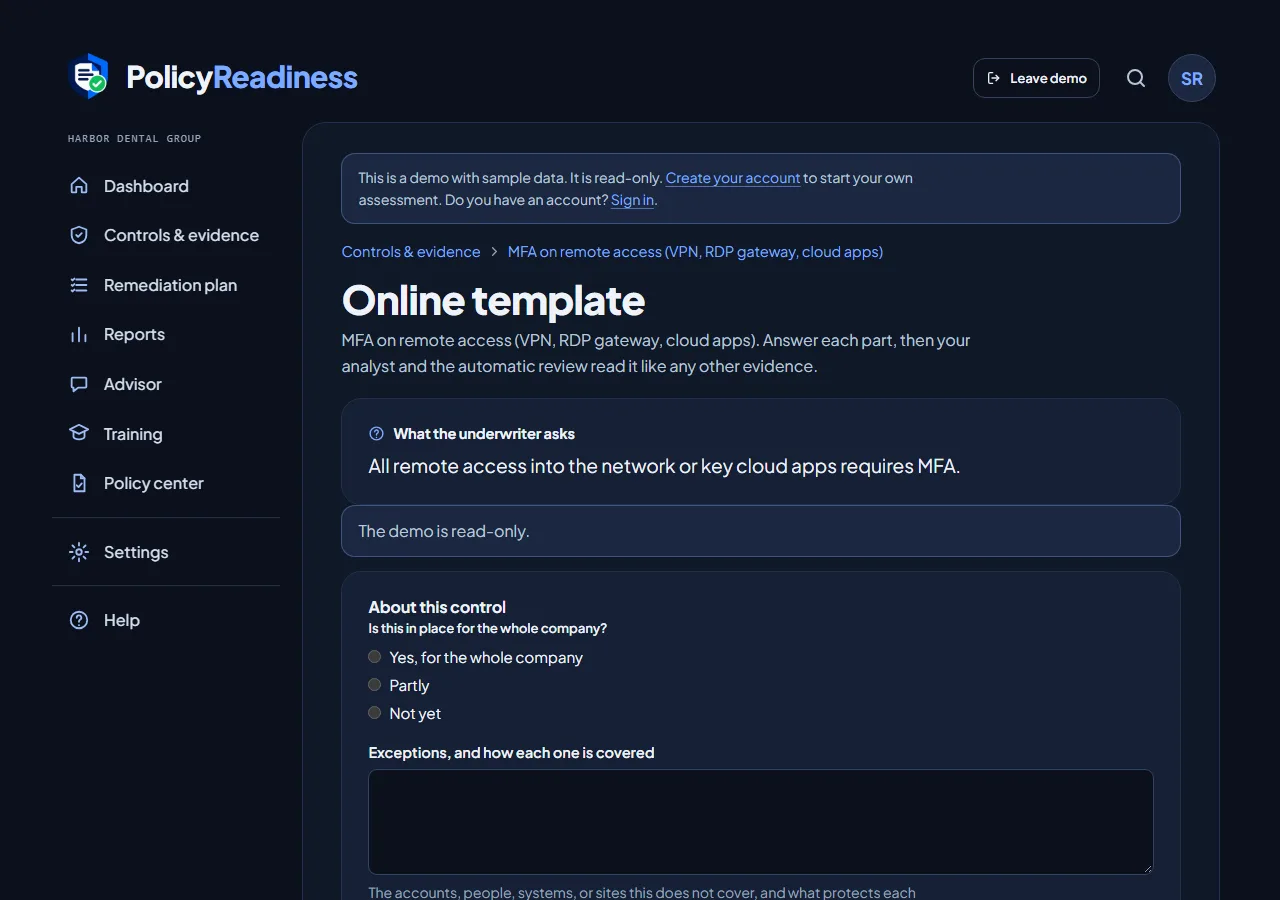
Each control has an online template: the questions an underwriter asks, then one part for each kind of evidence that counts. Answer it in the app and paste your screenshots into it. When you submit it, it becomes evidence like any upload.
- The draft saves as you type, and two people cannot overwrite each other.
- Each screenshot gets the same checks and virus scan as an upload.
- Each submission is a version. A new version can start from the last one, so next year's answer starts from this year's.
Step 3: Hand over the report
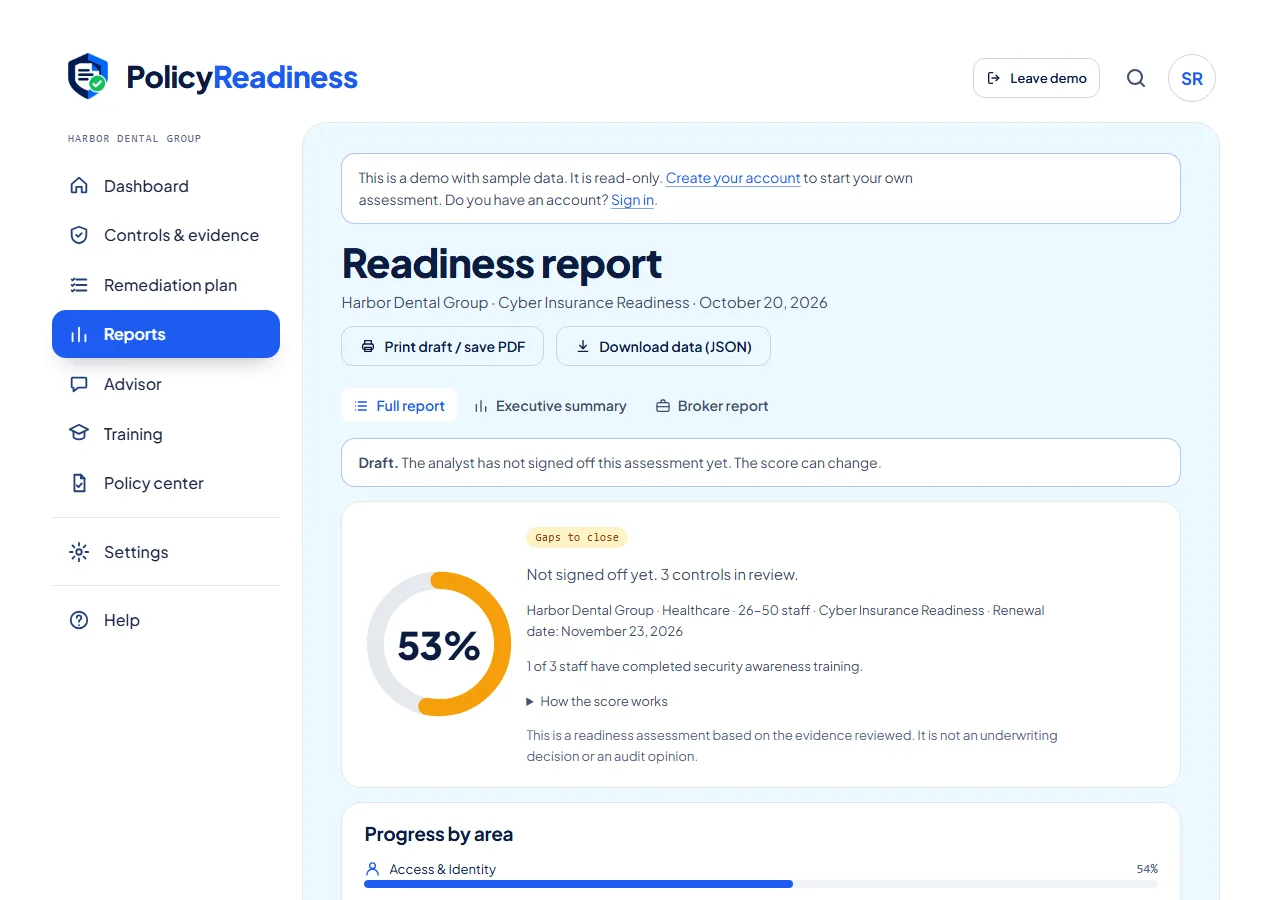
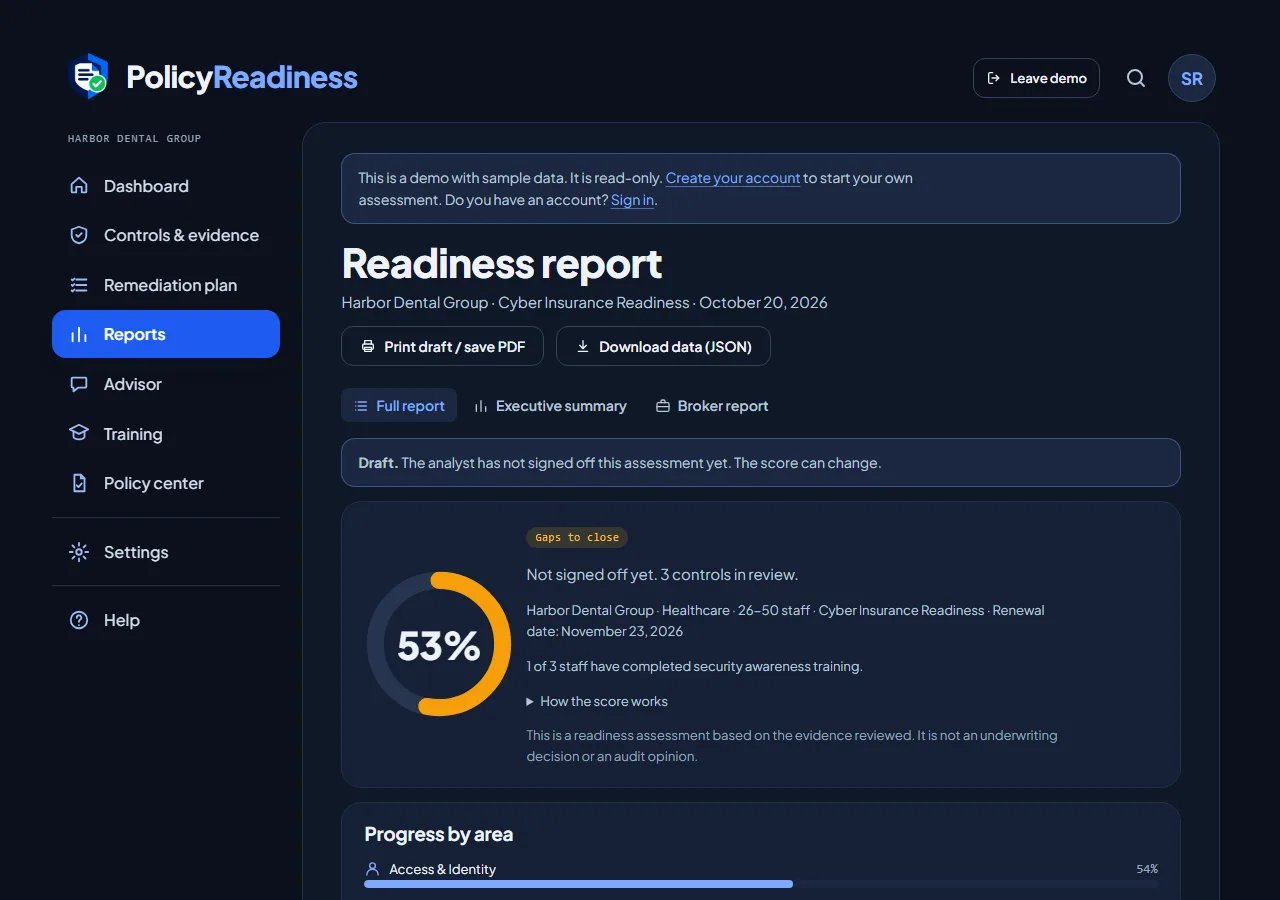
The report lists every control with its status and its evidence count. When the score is 75% or more with no critical gap, your analyst signs the assessment off as ready.
Ready is our review of your evidence, not approval from an insurer. The insurer makes its own decision on cover and on claims.
- Print it or save it as a PDF for your broker.
- Each row of the broker report names the CIS Controls v8.1 safeguards its control matches.
- Download the full record as JSON.
- New evidence or a changed verdict reopens the sign-off, so the report is never out of date.
The same work pays three times
At application
Each answer is backed by proof an analyst reviewed, on every plan.
At renewal
The evidence is in one place. You replace what is old and leave the rest.
After an incident
The record shows the files you uploaded, and when. Each file has a fingerprint and a time stamp.
For brokers, agents, and managed service providers
Offer the same workflow to your clients under your own name: your brand, your web address, and your analysts or ours. You pay per client. See the partner program.
Look at it with sample data first.
The live demo is a read-only sample company. No account is necessary.